הַלִּמּוּד
Learning and the recital
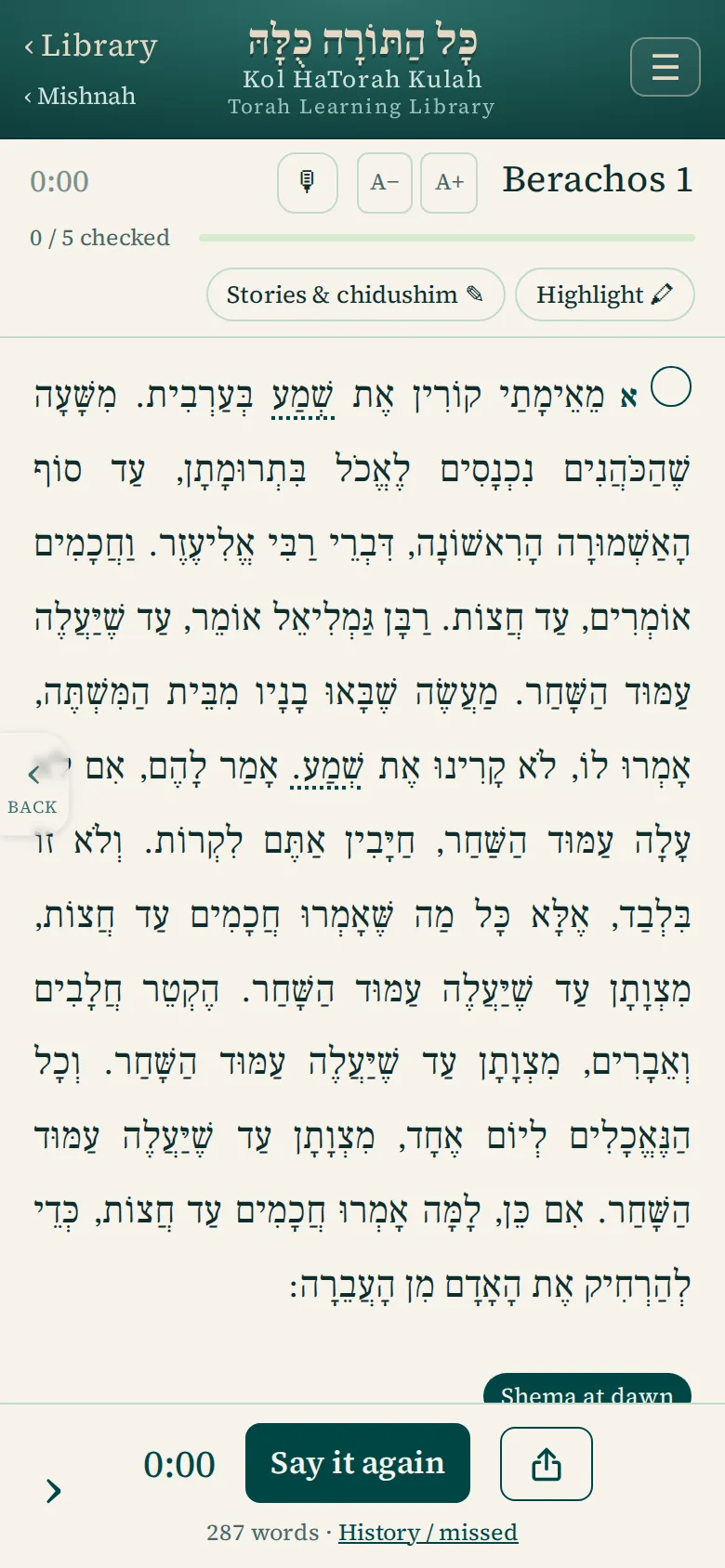
Tap a square, start the clock, say it. A unit counts only after a timed recital, so what the app shows is what you learned.
הַלִּמּוּד
Tap a square, start the clock, say it. A unit counts only after a timed recital, so what the app shows is what you learned.
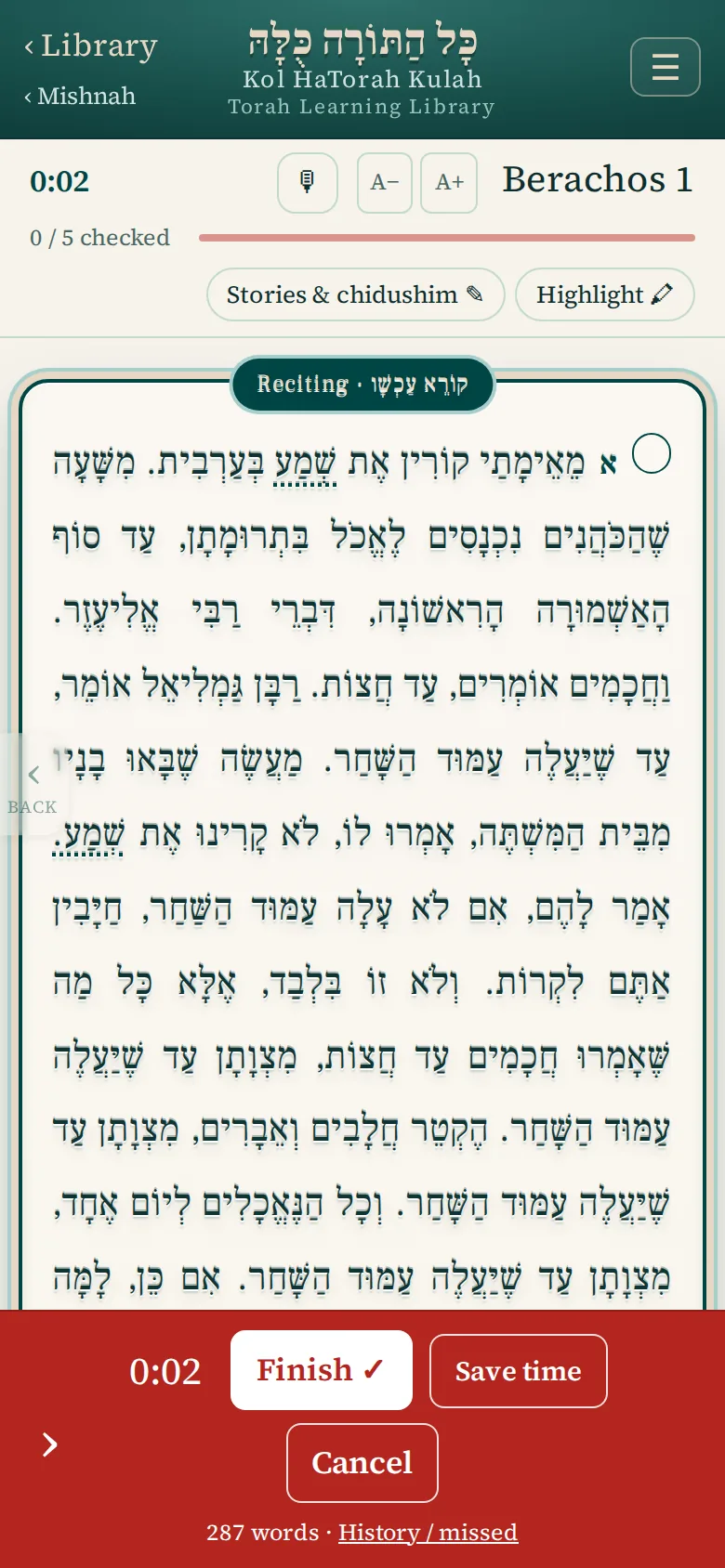
Tap Start reciting: the text rises in a raised frame, embossed, to show that the clock is running and this is what you are saying. When you are done, tap Finish ✓, which always completes the unit; Cancel discards the recital. The timer keeps running even if you leave the page, and a bar across the top lets you finish or discard a running recital from anywhere.
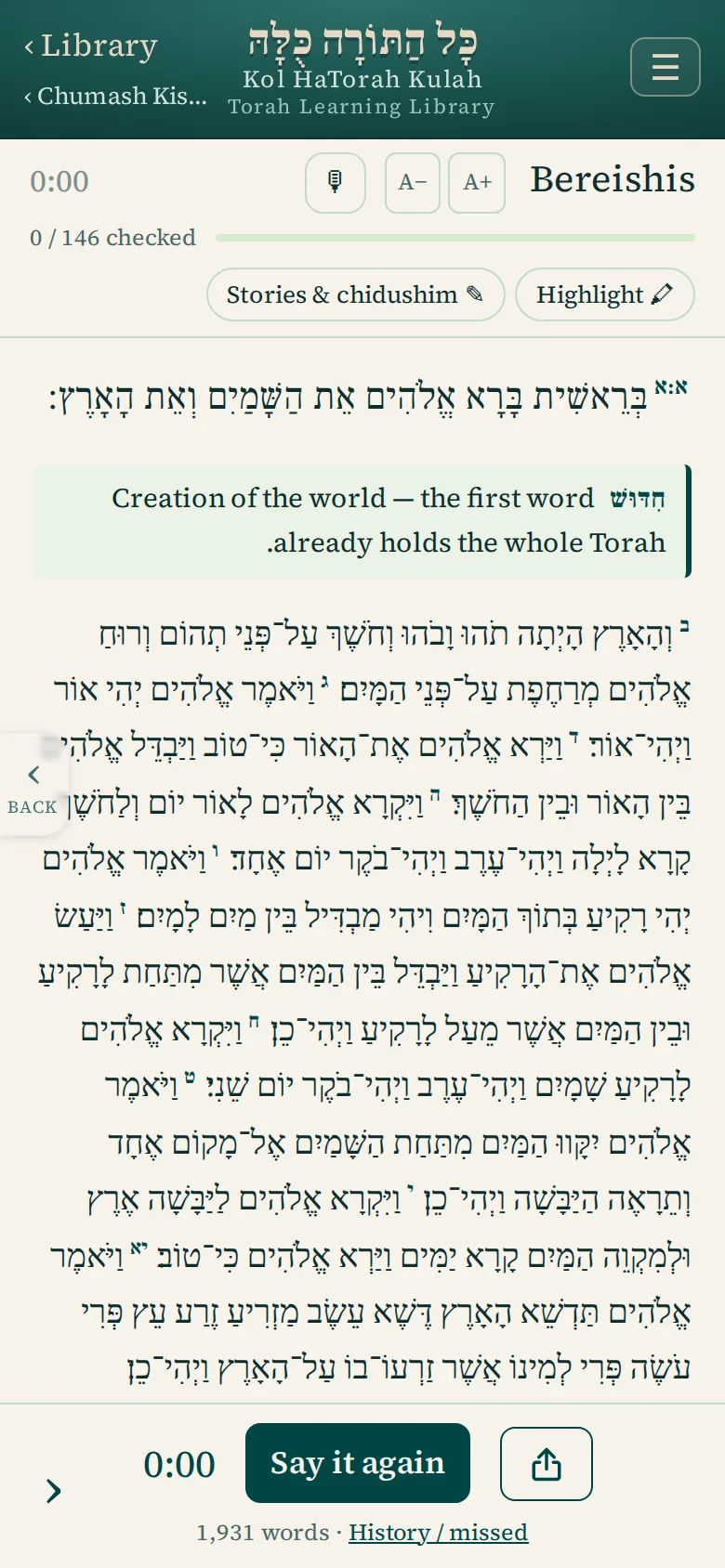
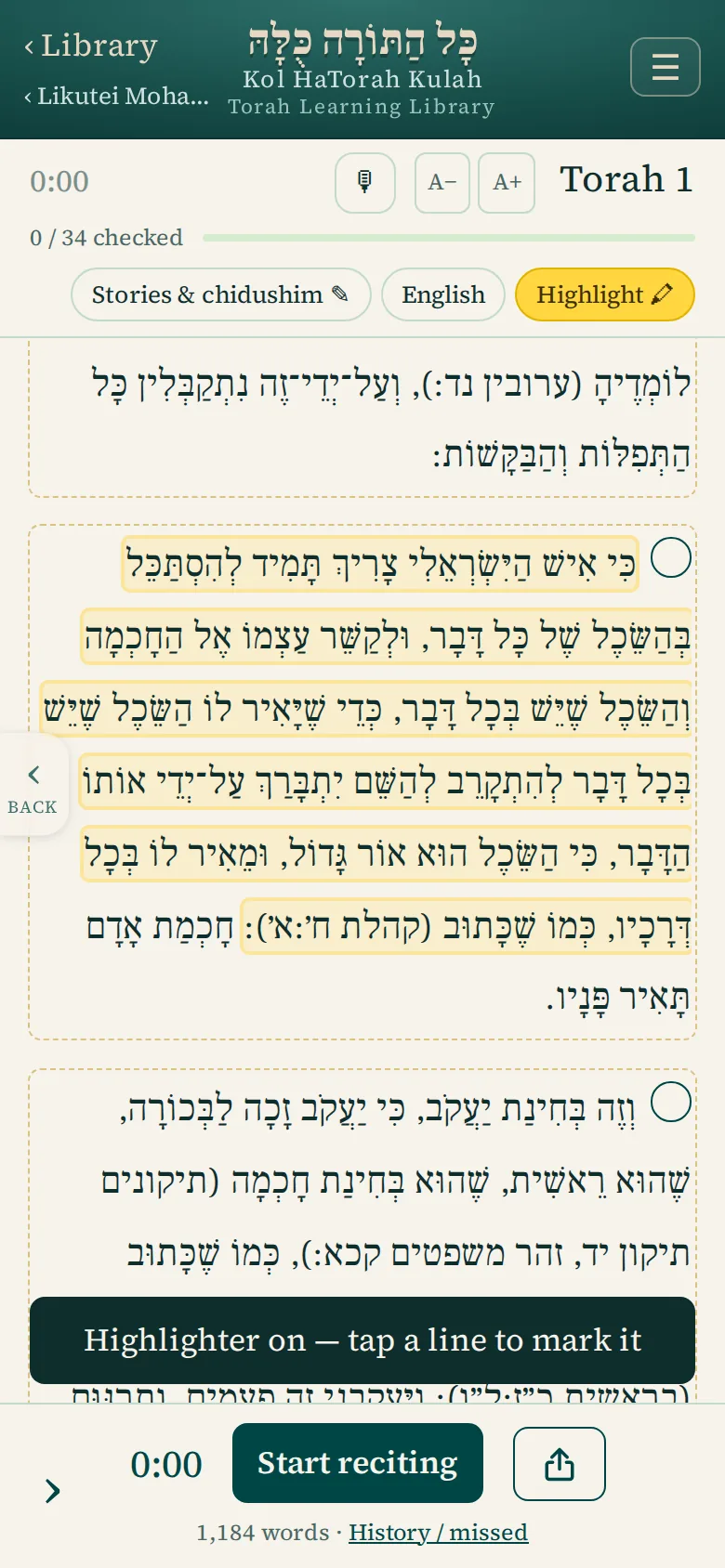
Every paragraph in every sefer carries two marks: ✎ Chidushei Torah, a large writing box with the passage shown for context, and Stories, a two-line box. Saved notes appear under their paragraph, in each sefer’s lists, and on the Daily Report. A thought while reciting should not stop the clock: tap 🖍 Highlight and mark a sentence; later each marked line shows Add chidush.
Where a sefer has English, one button cycles Hebrew, Hebrew with English, and English only. Tap a word to find its meaning and how often it appears in the sefer. Search this sefer finds a word however it is joined, an exact phrase, or a run of letters.
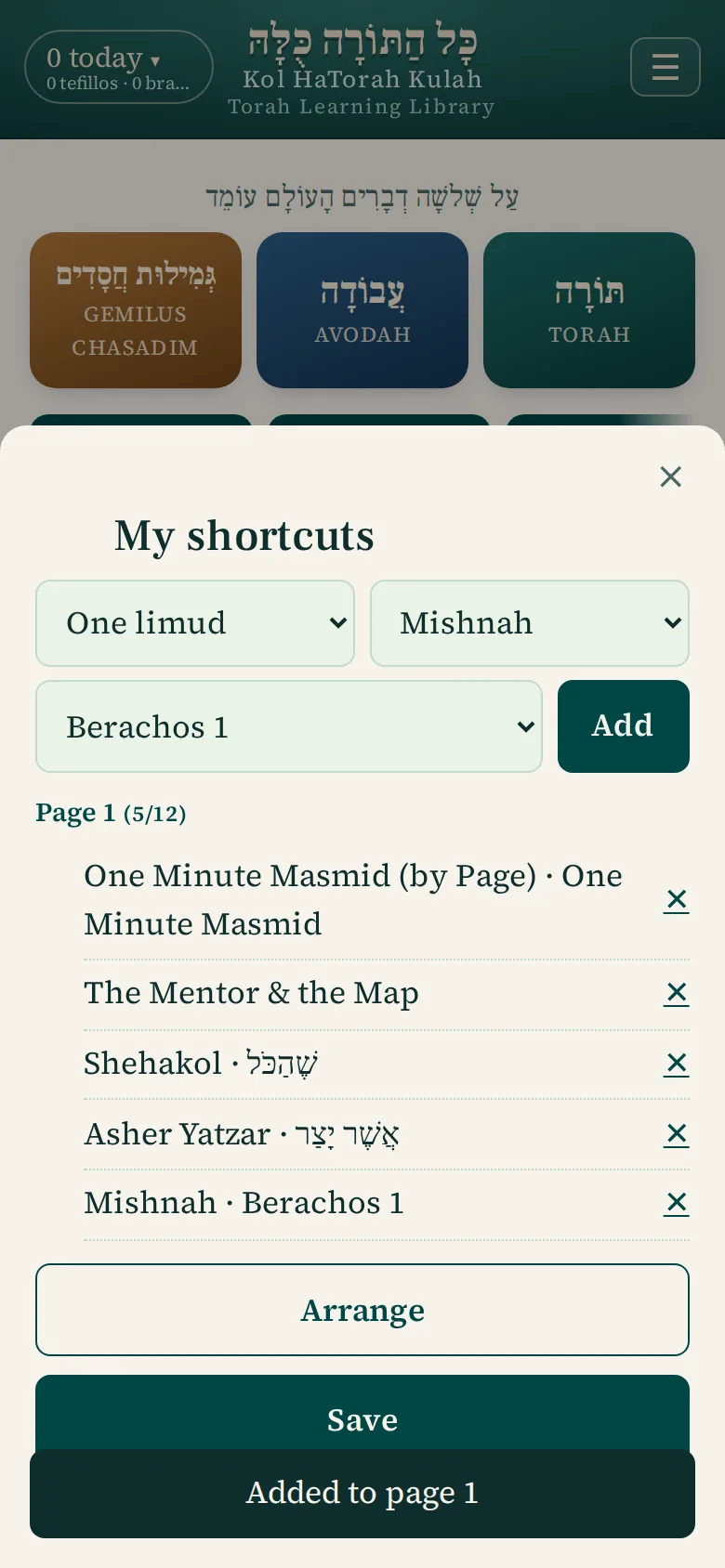
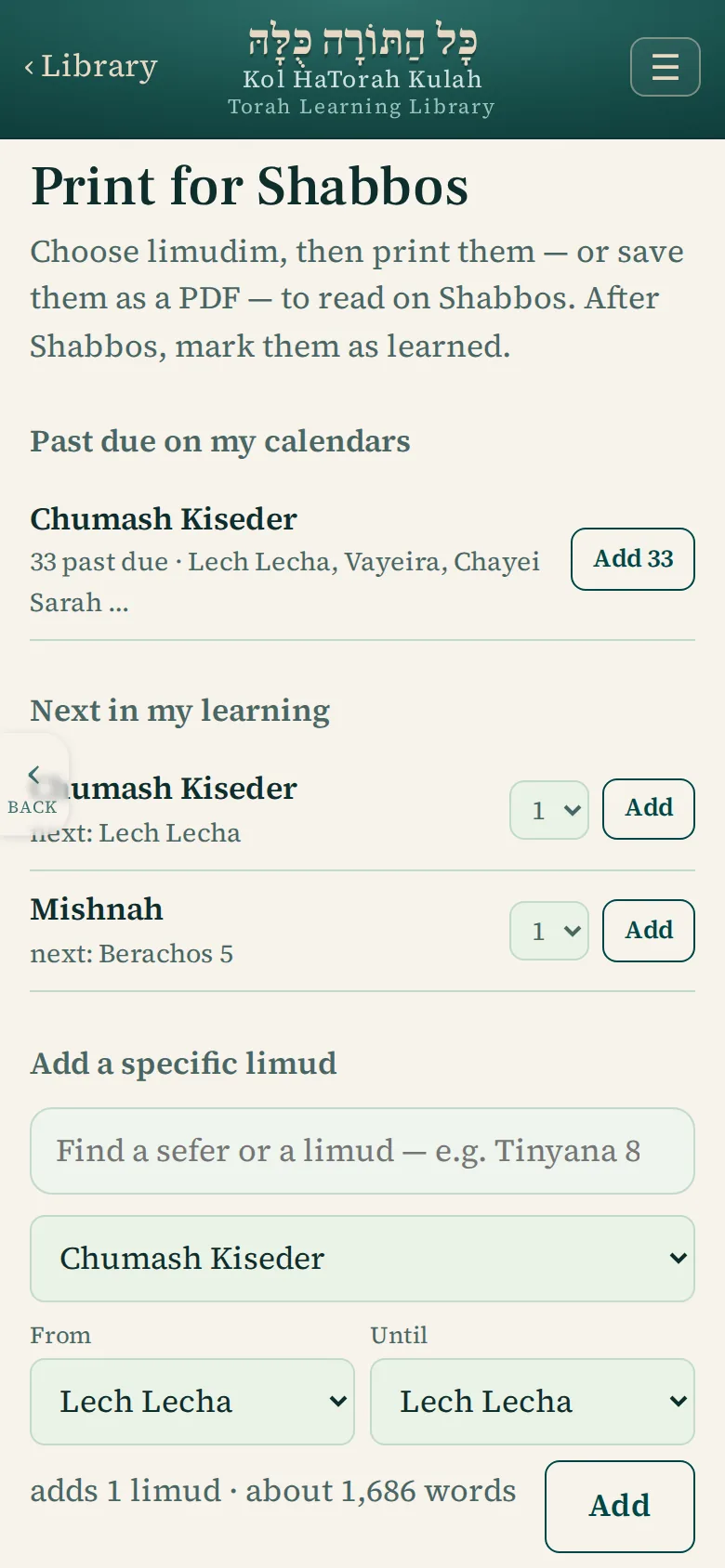
My shortcuts puts your own tiles on the home screen: a sefer, a single bracha, or one limud that opens straight in the reader. Print for Shabbos gathers your next limudim, prints them or saves a PDF, and after Shabbos marks them learned.